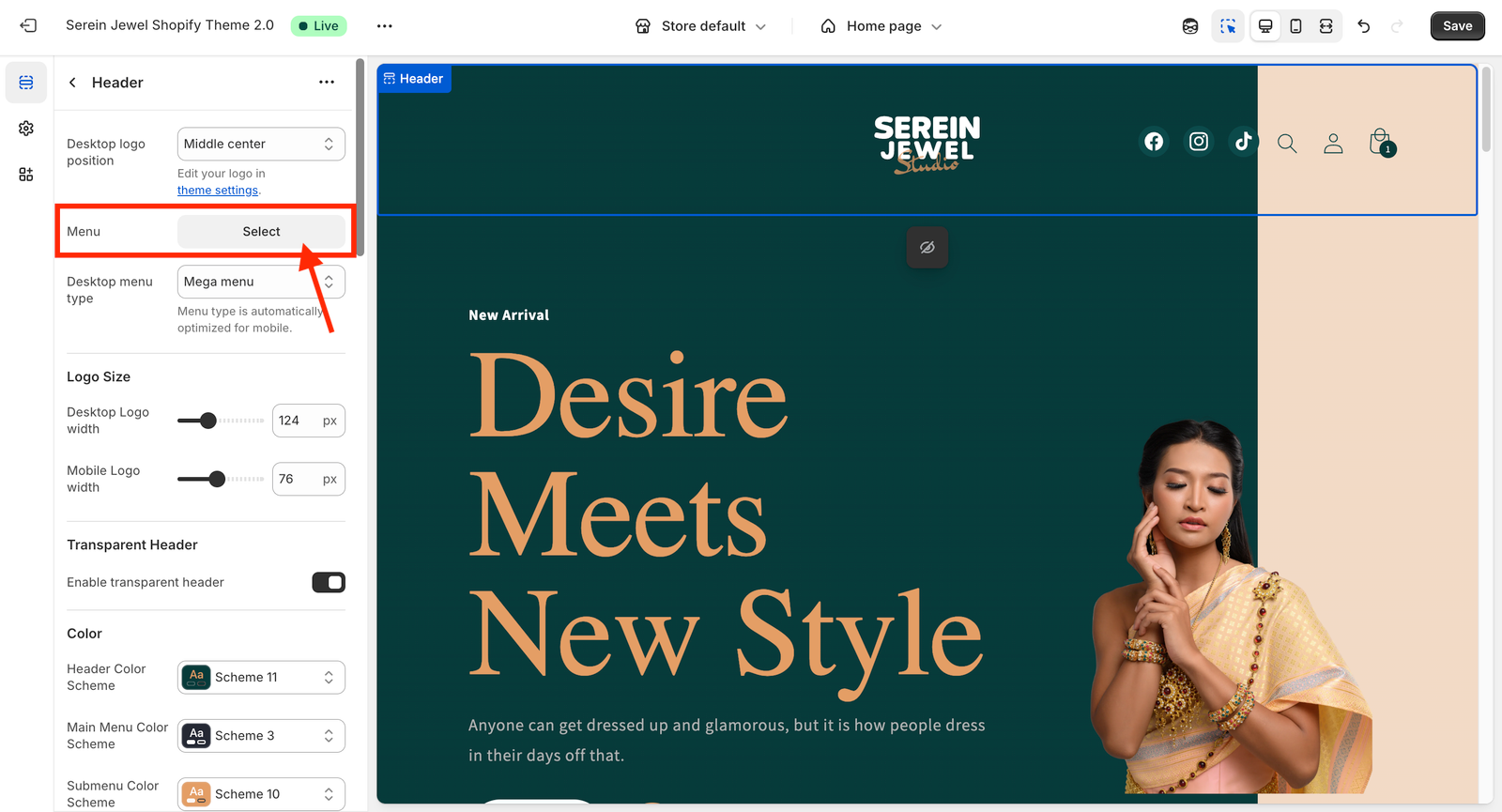
From your Shopify dashboard, go to Online Store → Content.
Under that, click Menus.
On the top-right corner, click the Create menu button.
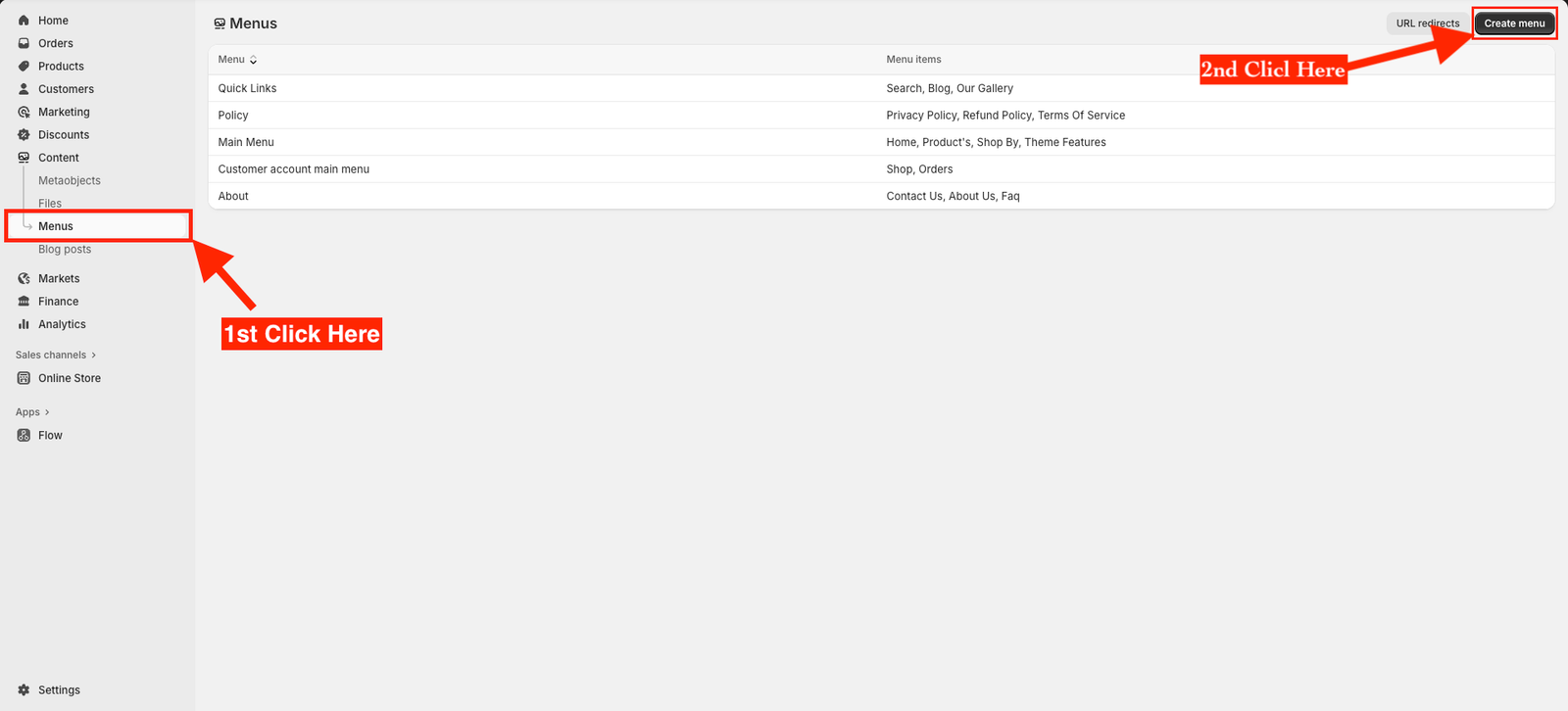
Enter a Menu name — for example, Main Menu or Footer Menu.
Click Add menu item to start adding links.
Enter the Name of your menu item — such as Home, Shop, About Us, or Contact.
Under Link, select where you want the menu item to go — it can be a Page, Collection, Product, or a Custom URL.
Click Add, and then click Save menu at the top-right corner.
???? How to Add a Menu in the Header
From your Shopify dashboard, go to Online Store → Themes.
Click Customize on your current theme.
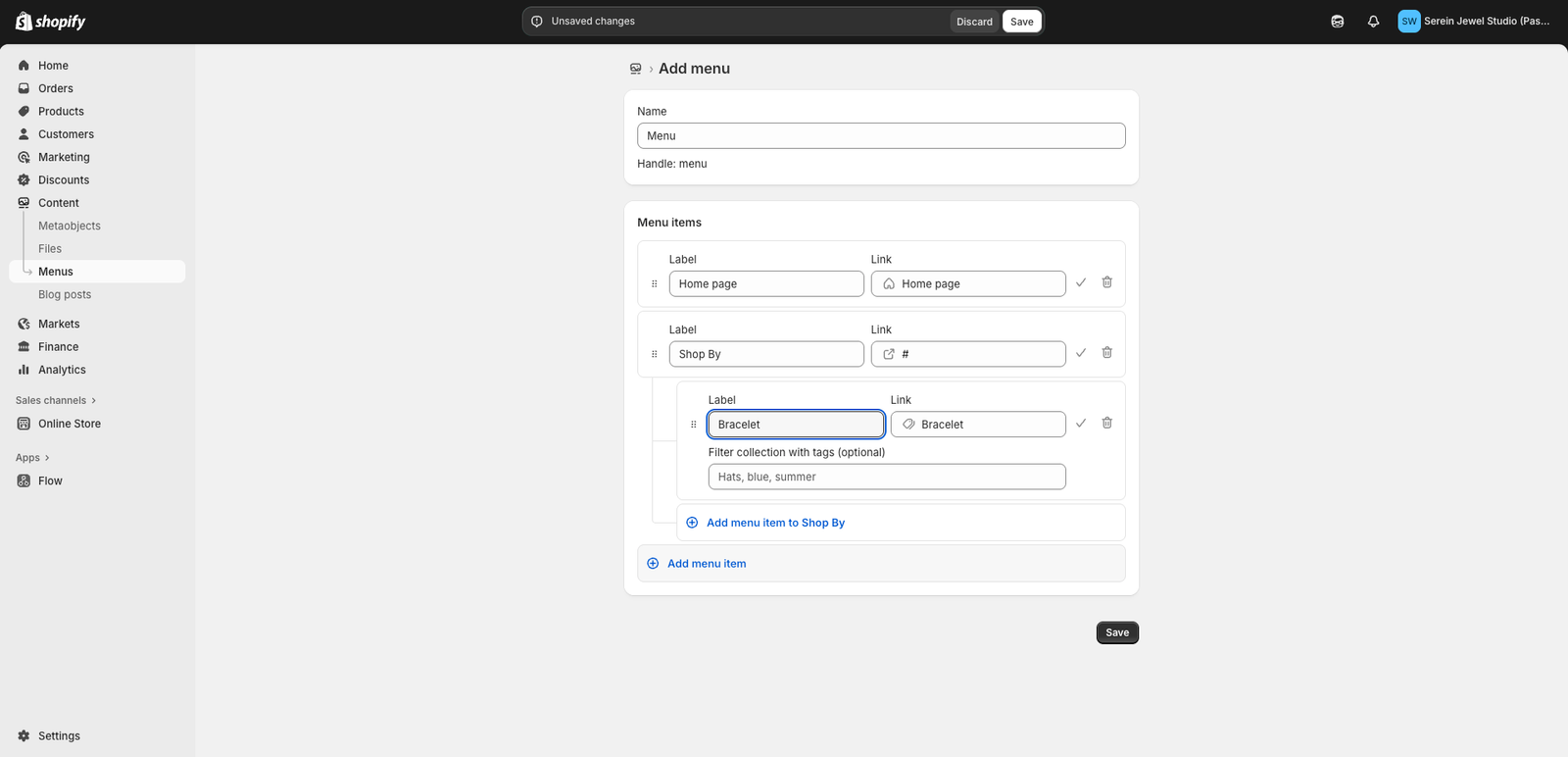
Inside the Theme Editor, open the Header section from the left sidebar.
Look for the Menu or Navigation setting.
Click Select menu, then choose your existing menu — for example, Main Menu.
After selecting your menu, you’ll see a live preview of how it appears in your store’s header.
Once done, click Save at the top-right corner of the editor.