💻 How to Upload and Install Your Shopify Theme

1: Get the theme file

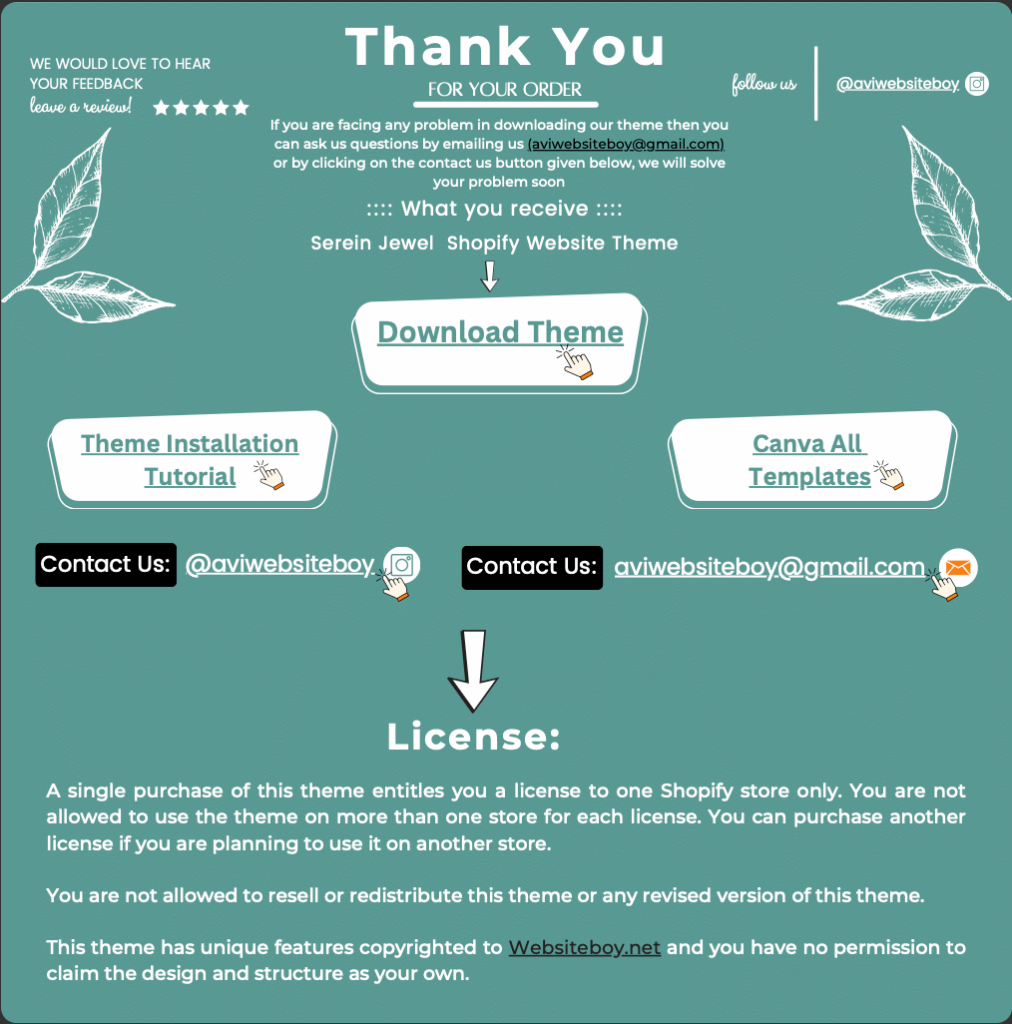
  • After completing the purchase of the theme, you will be able to download a .pdf file that is attached to your order.

2: Upload the theme

  • Once you have the theme file ready, you can upload it to your Shopify store.

    Steps

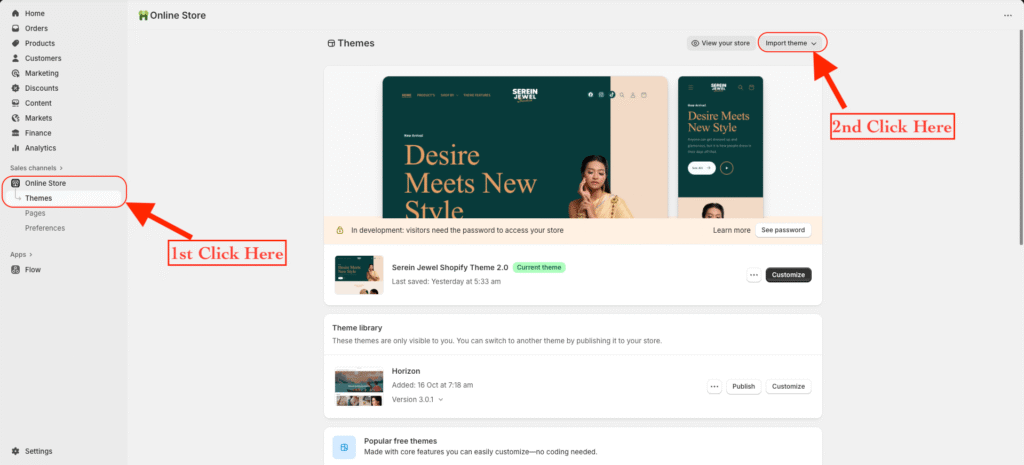
  1. From your Shopify dashboard, go to Online Store → Themes.
  2. On the top-right corner, click Import theme.
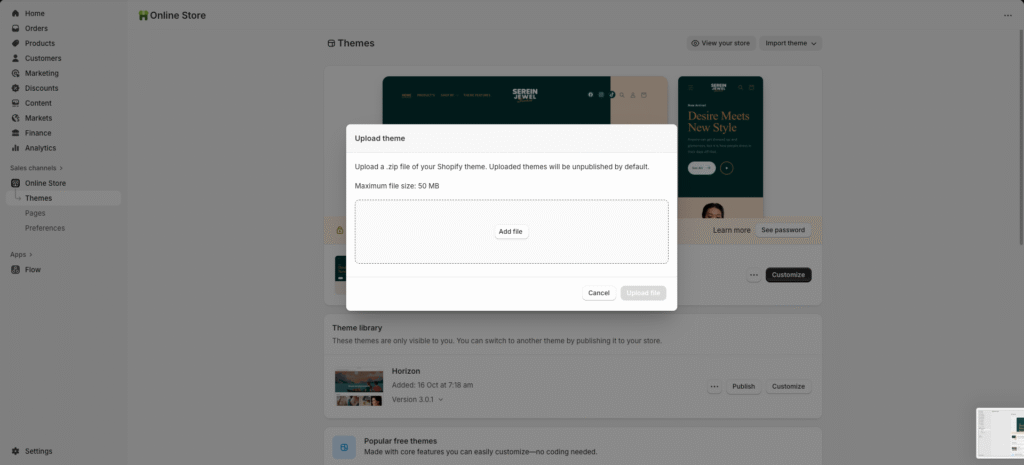
  3. Under Upload zip file, click Add file and select your downloaded theme ZIP file from your computer.
  4. Once selected, click Upload file to begin the installation process.

Your new theme will now appear under Theme Library — ready to be published and customized!

Picture of Avijit

Avijit

Leave a Reply

Your email address will not be published. Required fields are marked *

Sign up for our Newsletter